Table of Contents
User cabinet
By entering the password on the site Bitrek.Video from the sticker on the device you get to the user account.
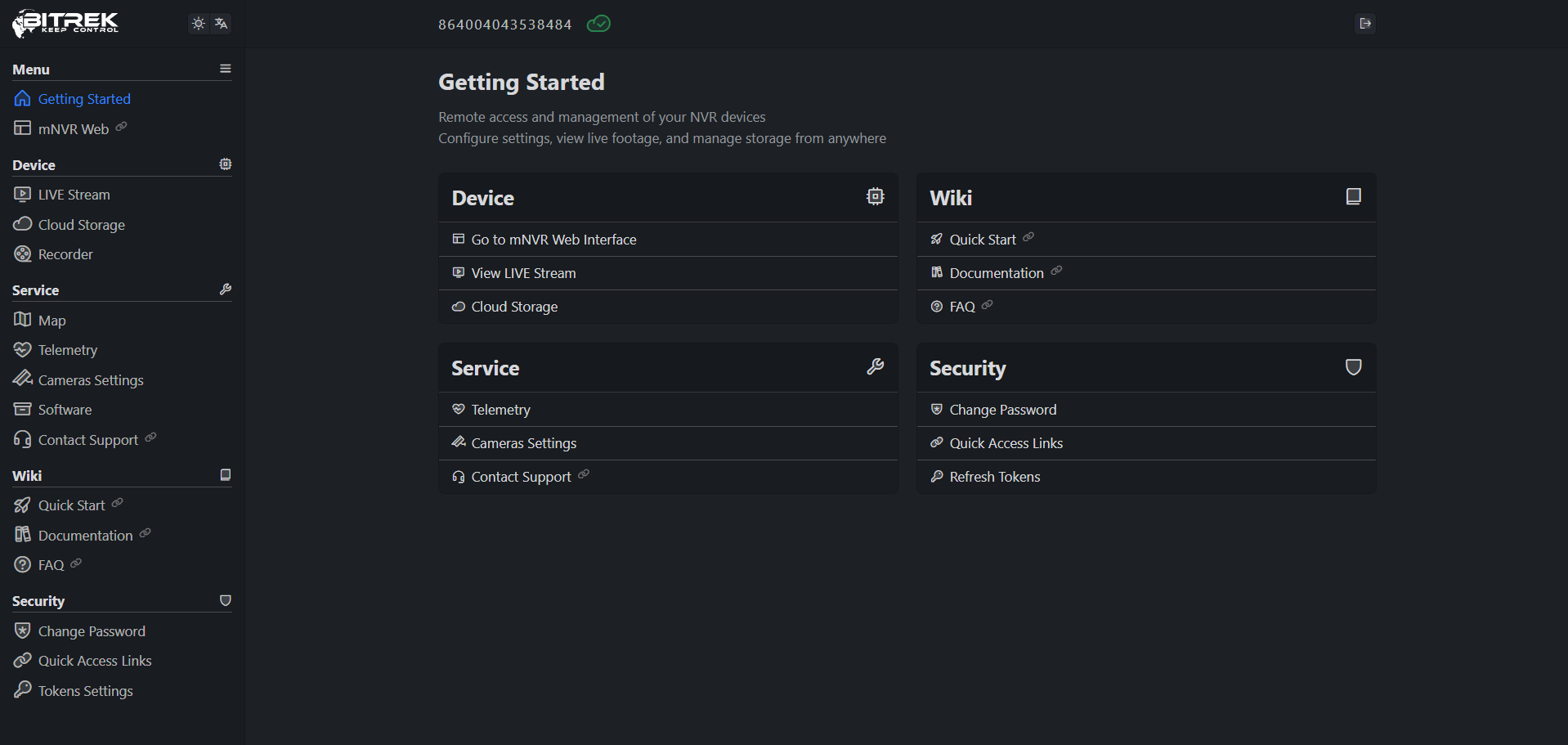
The mNVR User Cabinet allows you to perform various operations, such as:
- Configure the device;
- Configure IP cameras;
- View files on cloud storage;
- View video in live streaming mode;
- View device telemetry;
- Request files using the recorder;
- Download additional software;
- Read the documentation to understand how the device works;
Let's go through each tab:
Device
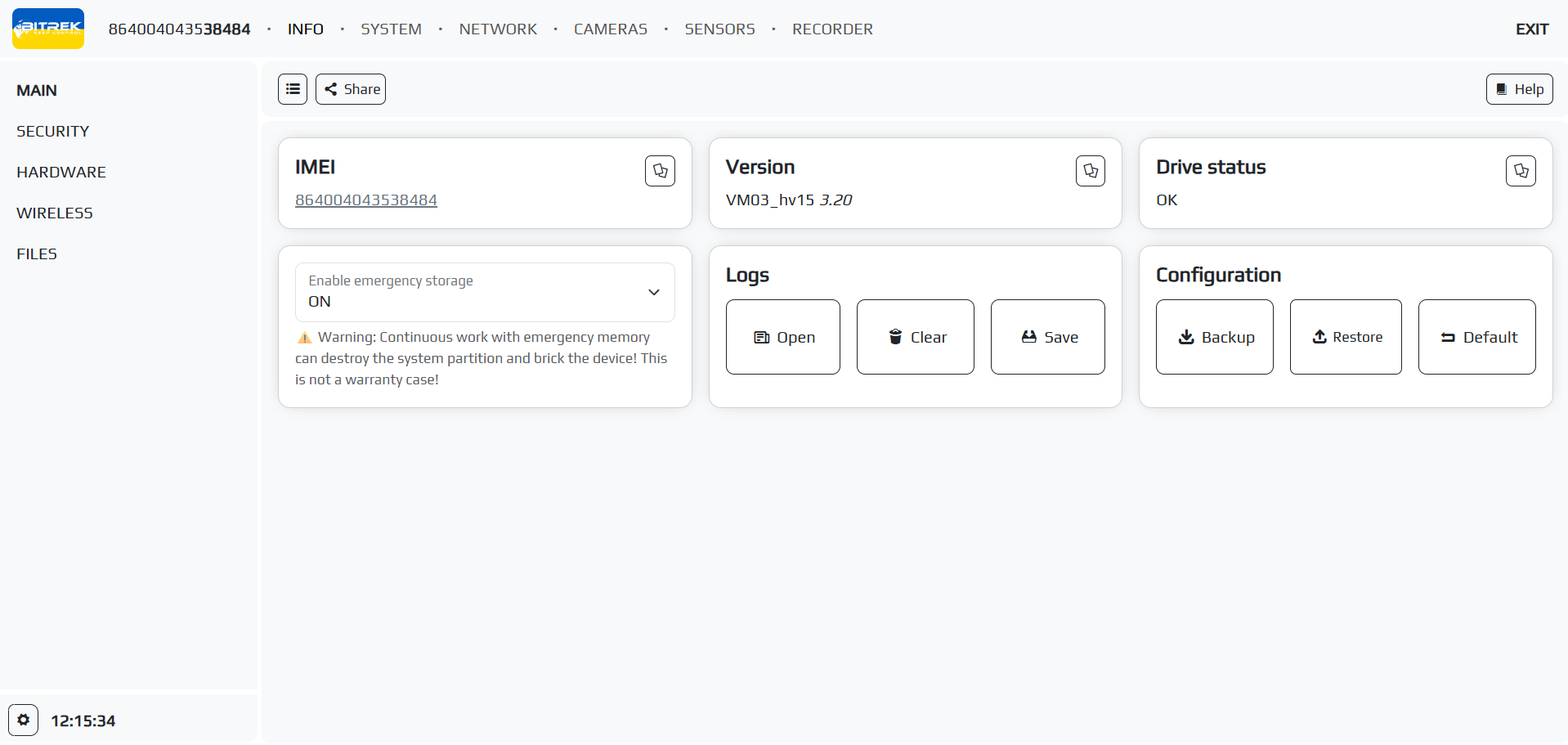
- WEB interface of the device - Allows you to go to the WEB interface of the device, in which you can change the settings of mNVR according to your needs (More details - device)
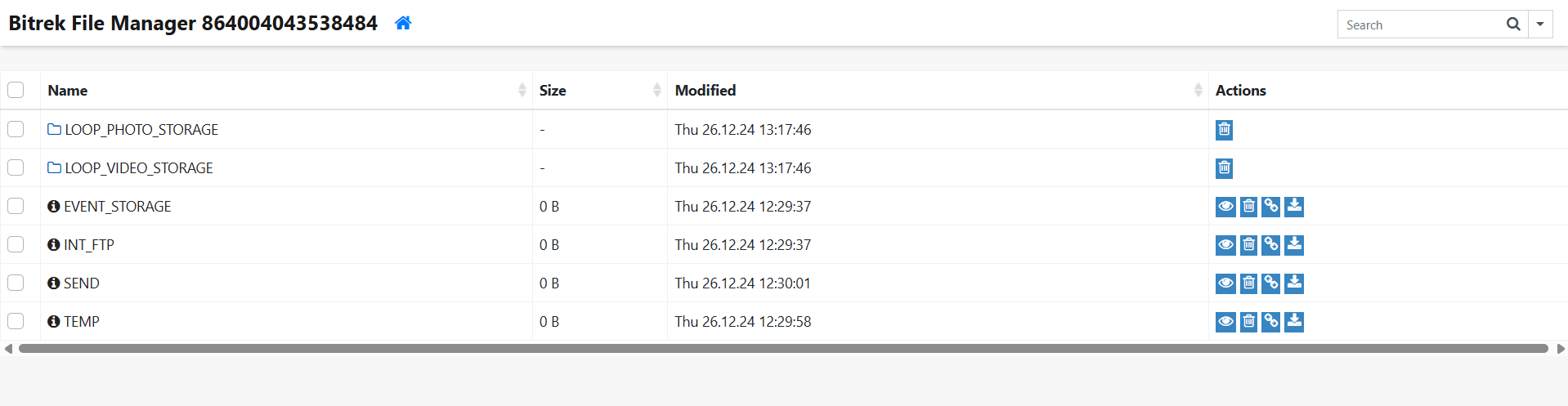
- Device file storage - The device file storage allows you to view the media files that are stored in the memory of your device
- Quick Access Token - with the help of a token you can access some pages in the device without the need to enter a password, which saves time, or share the link with others
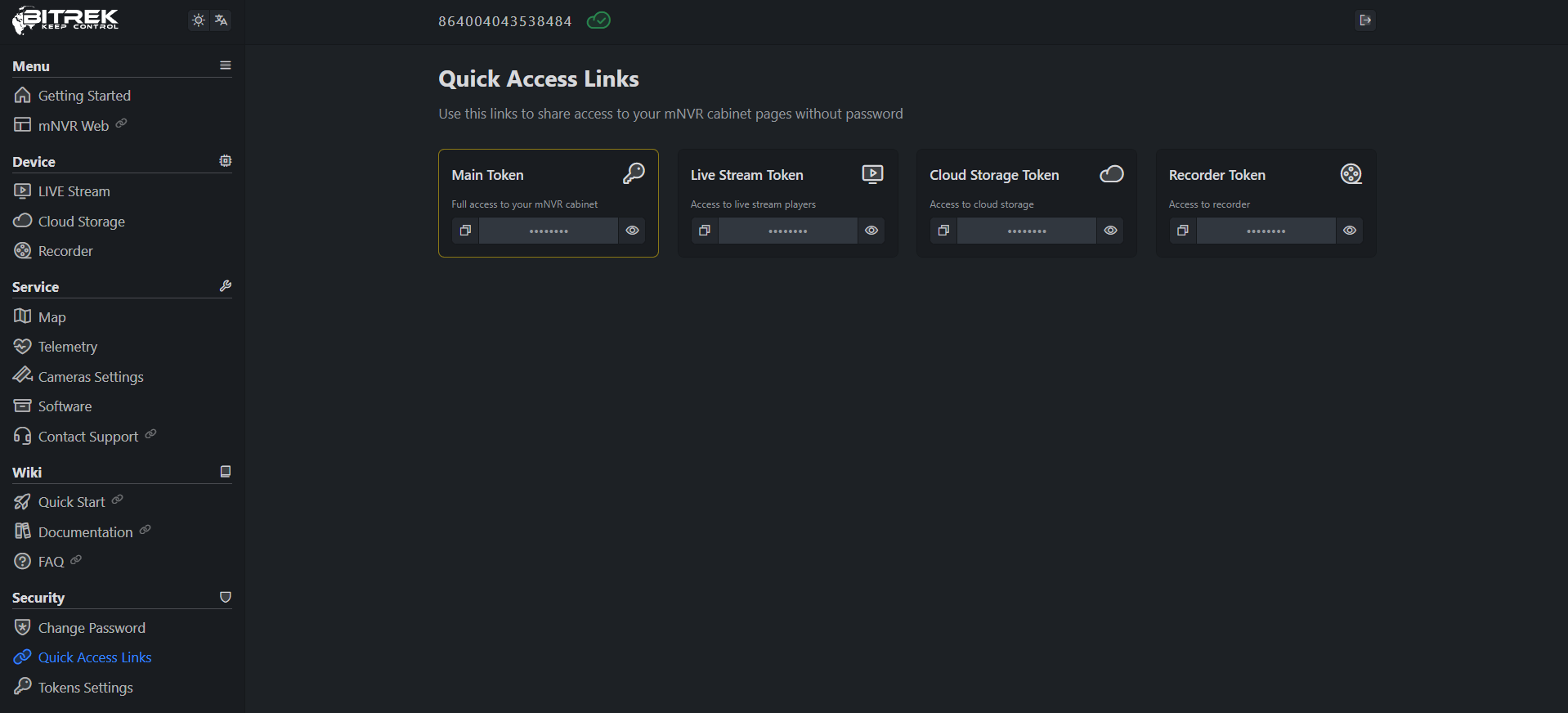
- Quick access links.
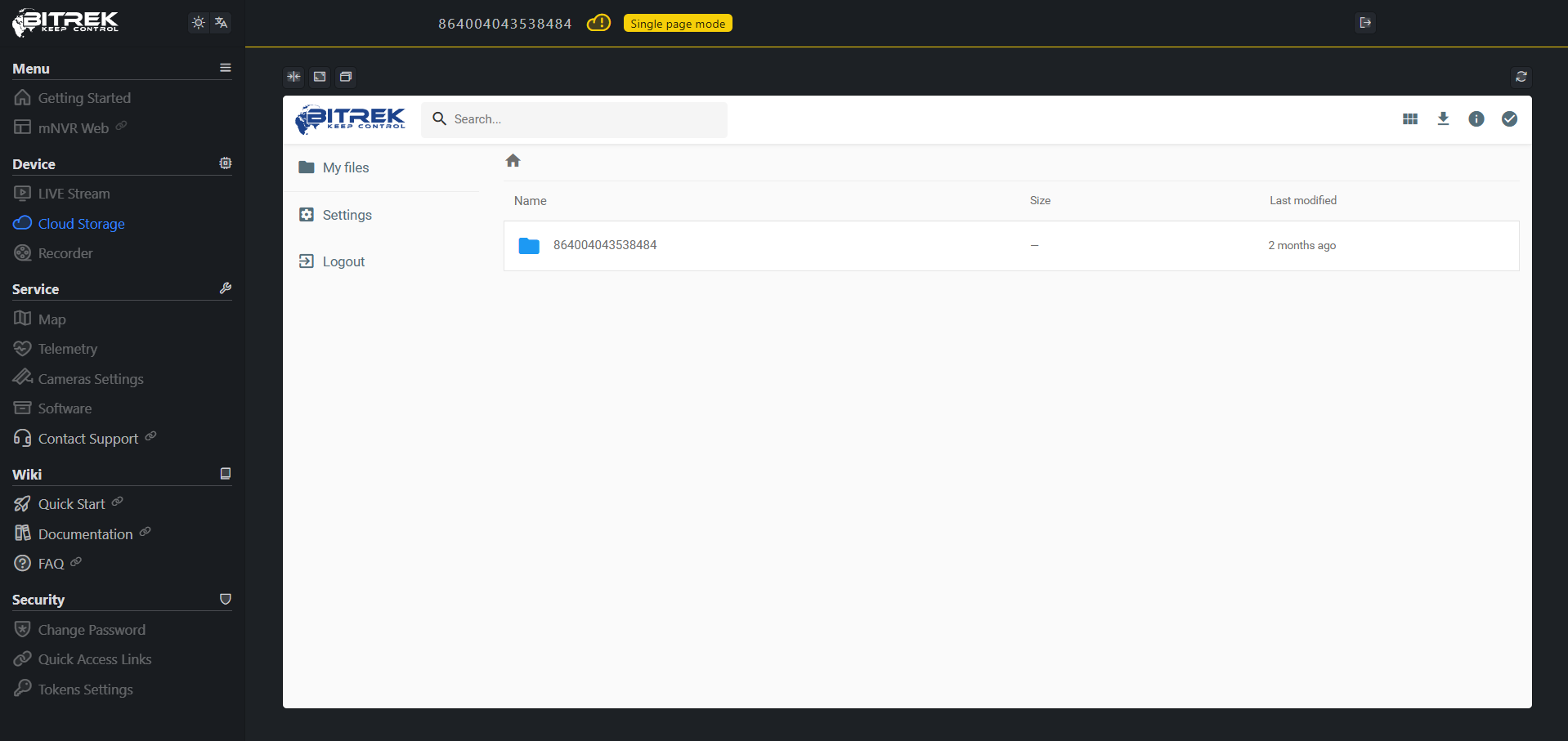
- Cloud storage - allows you to go to the cloud storage to view media files without the need to enter a password, you can also copy the link if necessary by pressing the button

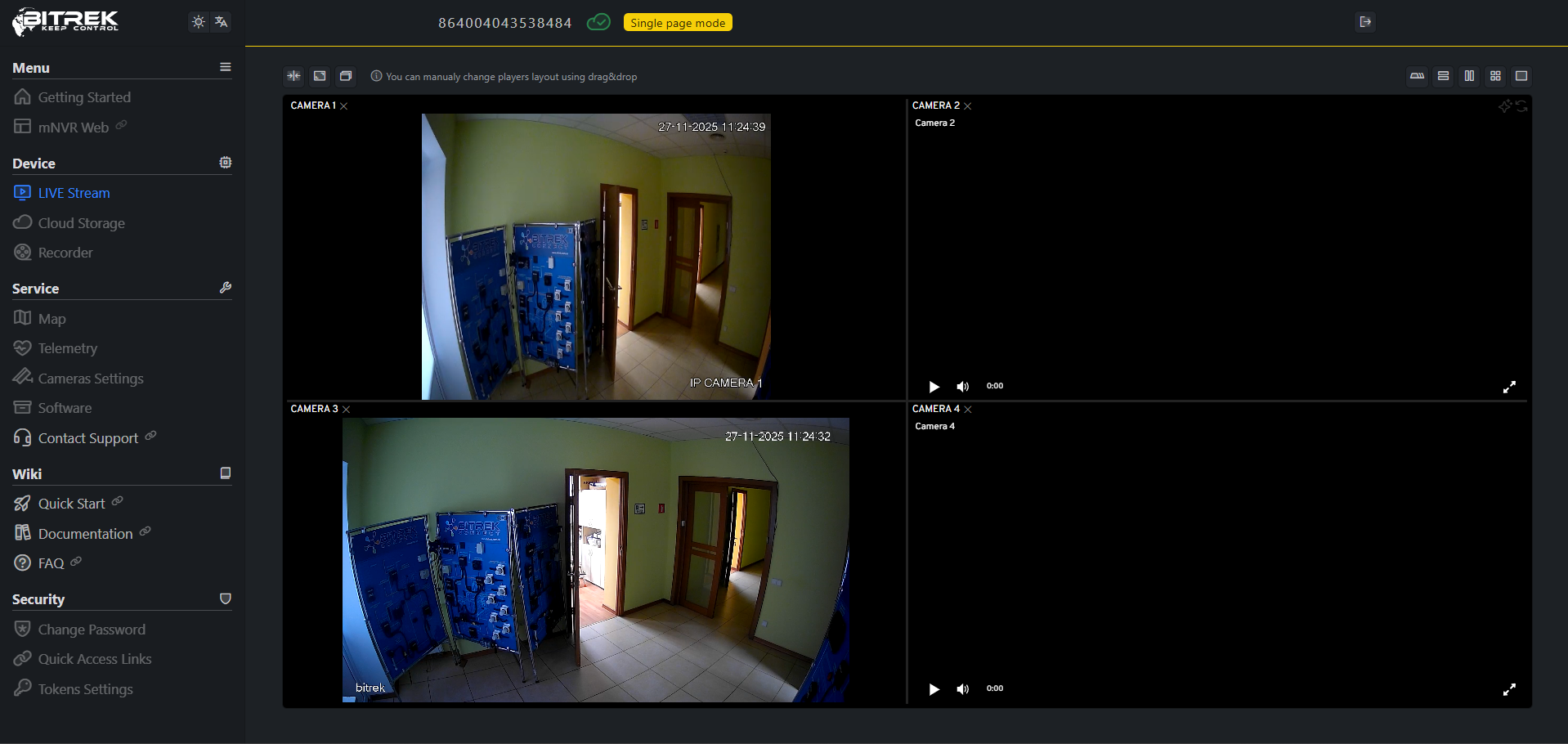
- Streaming video, allows you to go to the live broadcast page without the need to enter a password, you can also copy the link if necessary by clicking the button
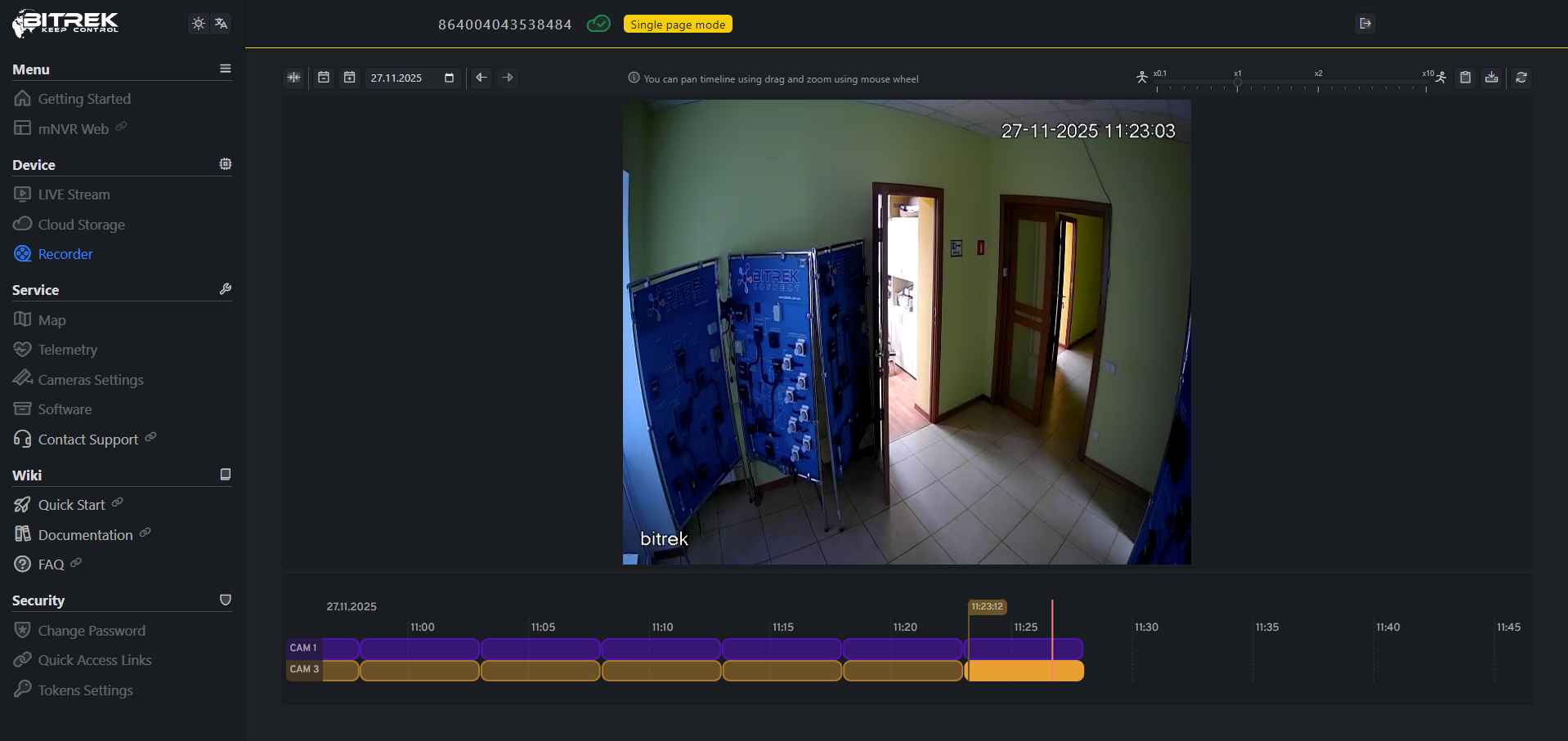
- Recorder - Allows you to go to the recorder tab to be able to request files by date or camera without the need to enter a password, you can also copy the link if necessary by clicking the button

IP Cameras | Players
By going to the IP cameras | Players page, you can configure the cameras or players from which you will view the video from the cameras.
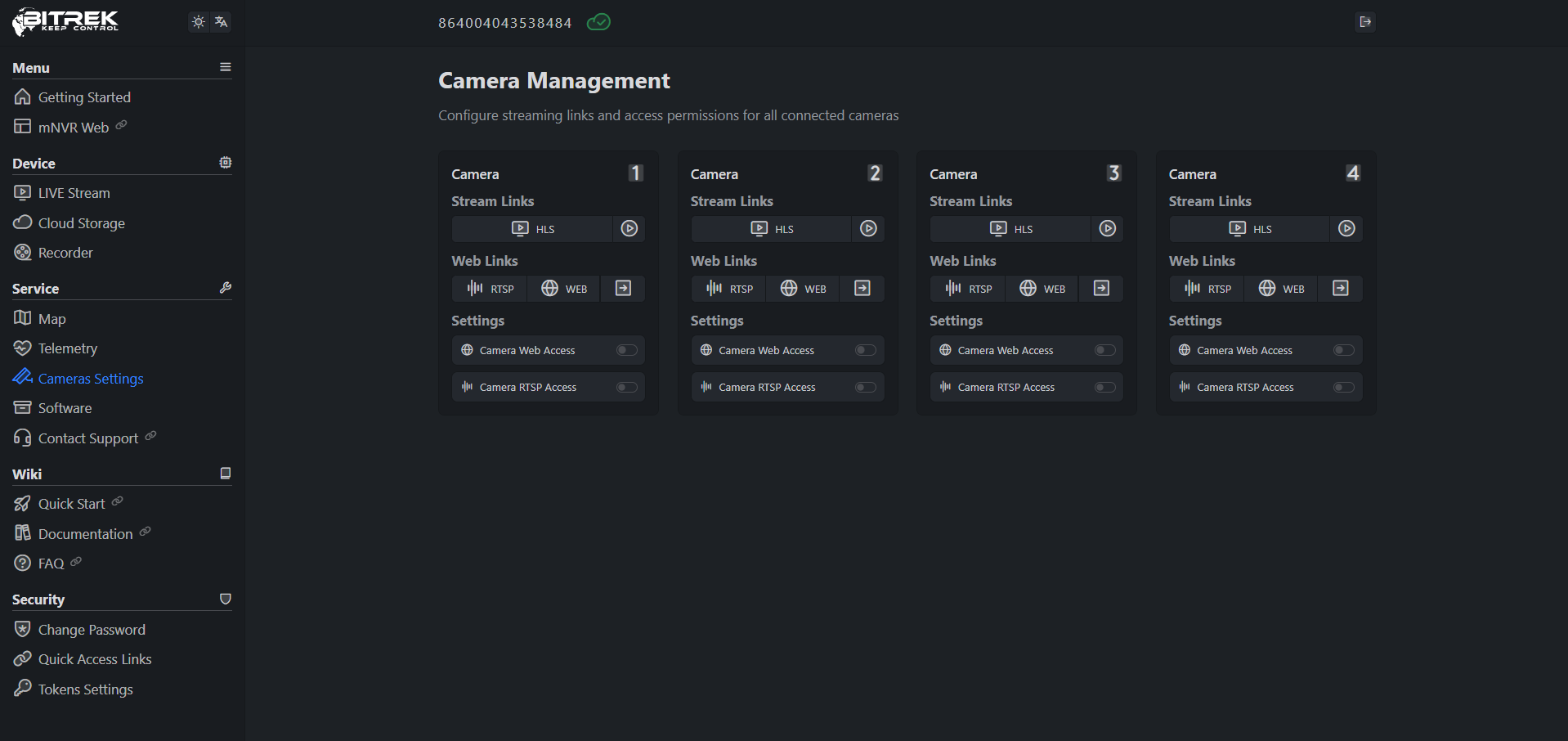
Let's go through each item:
- Streaming video
- hls - you can copy the link to view the live broadcast in hls format, if you have previously installed an extension in your browser that supports this format
- dash - you can copy the link to view the live broadcast in dash format if you have previously installed an extension in your browser that supports this format
- HLS View - by clicking on the button, you can view the video from the cameras using our media player
- Camera settings
- WEB - copy the link to paste it into a browser that supports the settings of this camera (for example, Chrome 41 - see the SOFTWARE tab)
- RTSP - copying the RTSP link to create a link to the RTSP camera
- Go to WEB allows you to go directly to the Dahua camera settings page
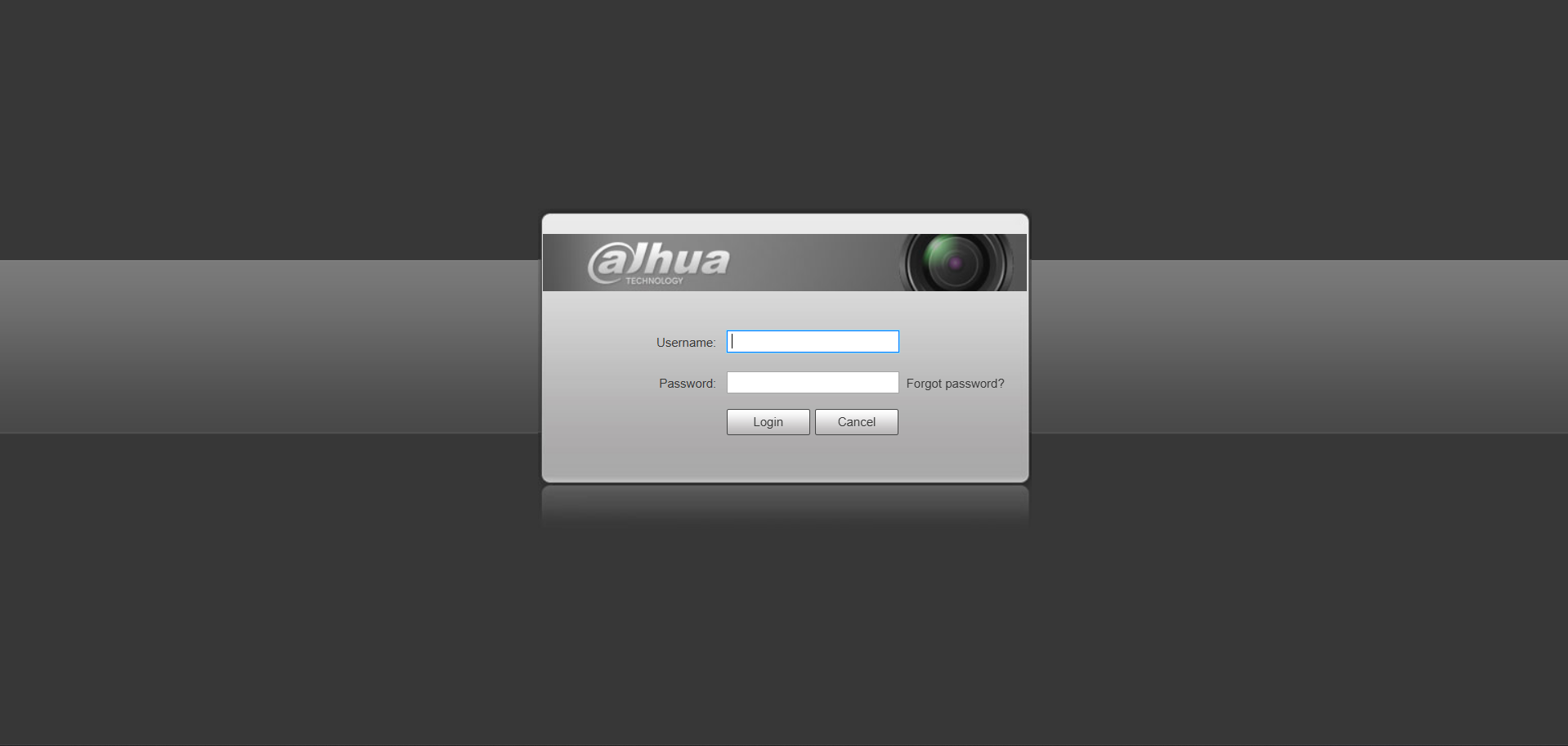
- Access WEB, RTSP - allows or prohibits copying or sharing the link to the camera settings with other users
Players
- Single-user streaming video player - allows you to view images from cameras in live mode
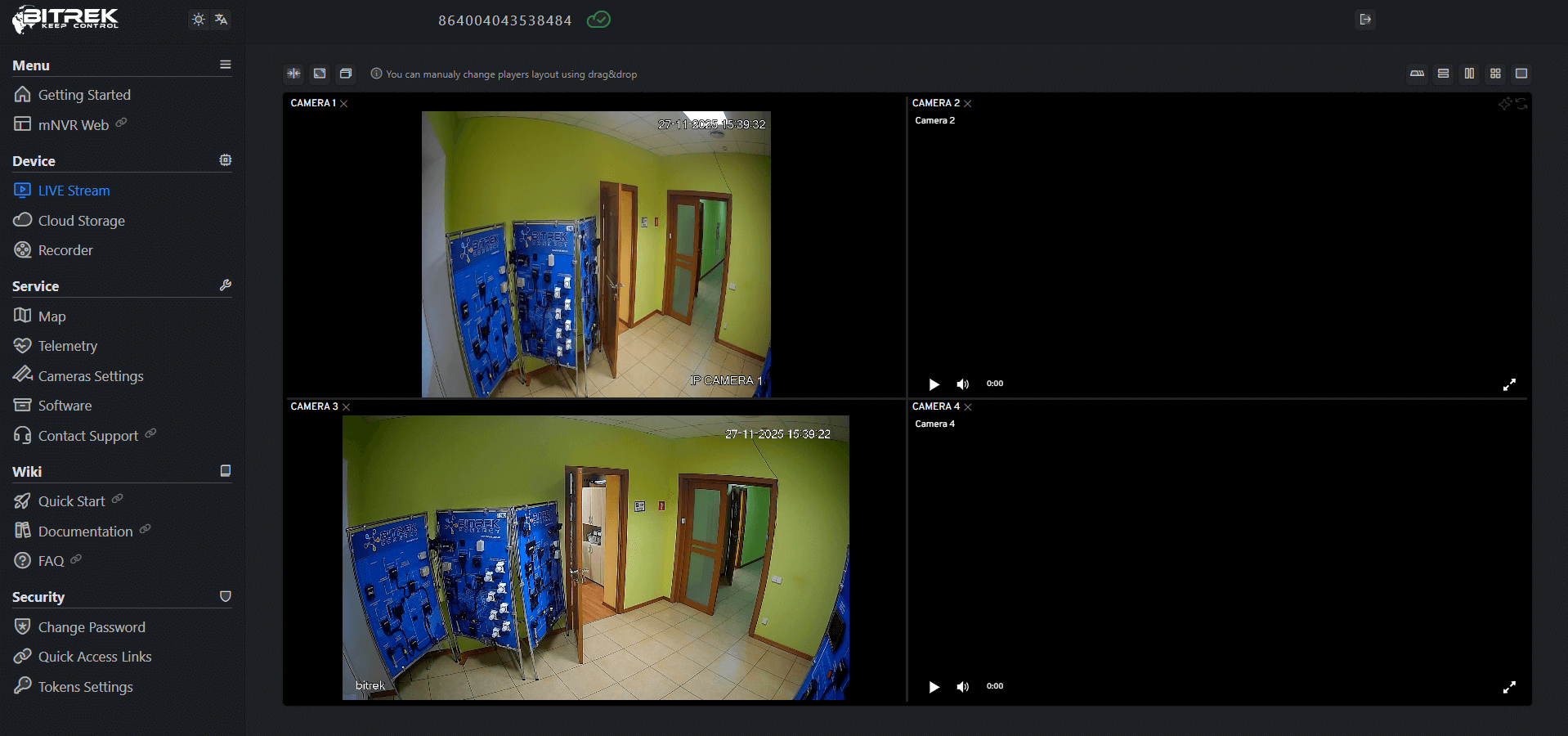
- Single-user multiple streaming video player - allows you to view images from one camera in live mode, other cameras will be paused to save traffic (the camera 3 on is paused in the photo)
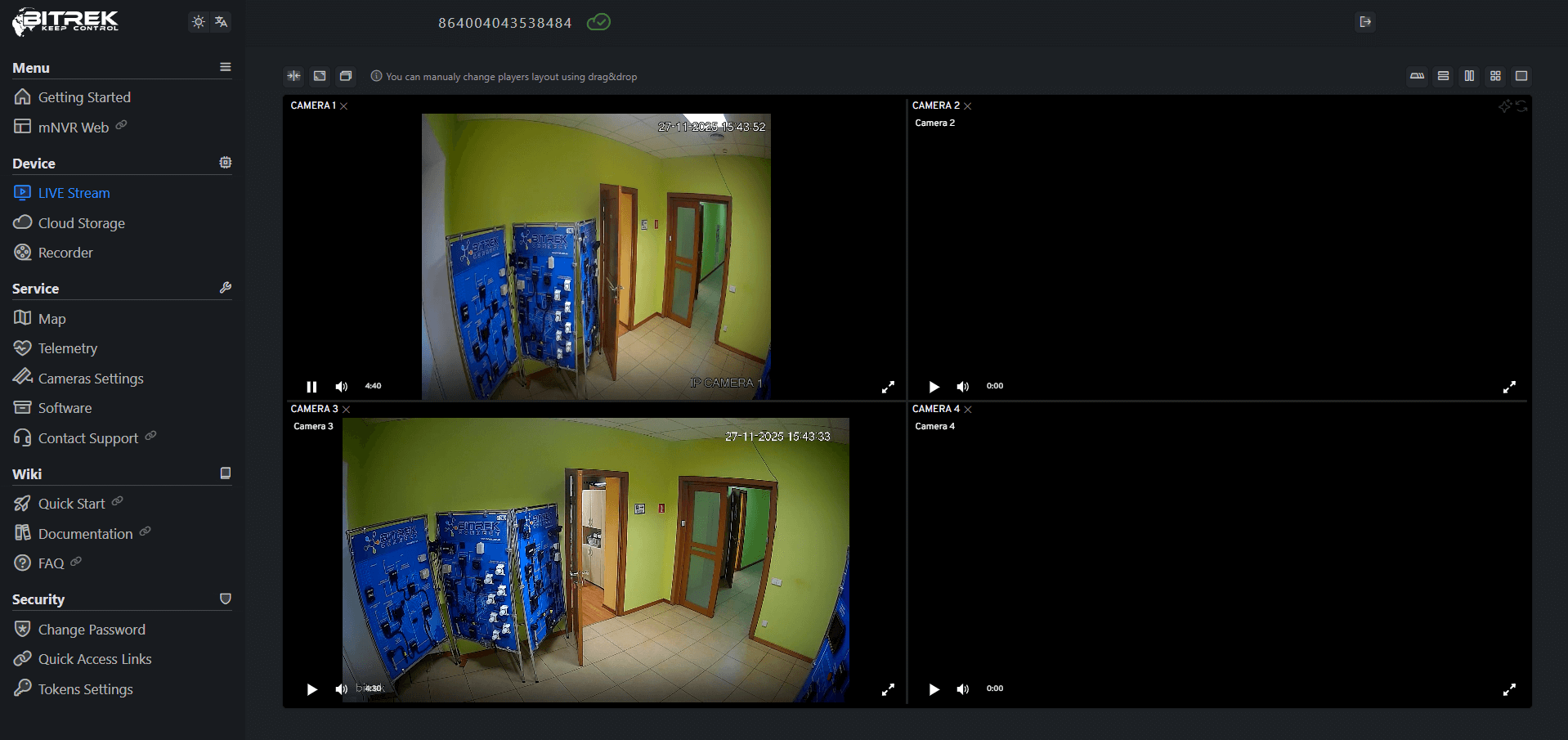
- Multiuser streaming video player - the player allows you to watch the image in live broadcast mode simultaneously to several users (recommended up to 10)
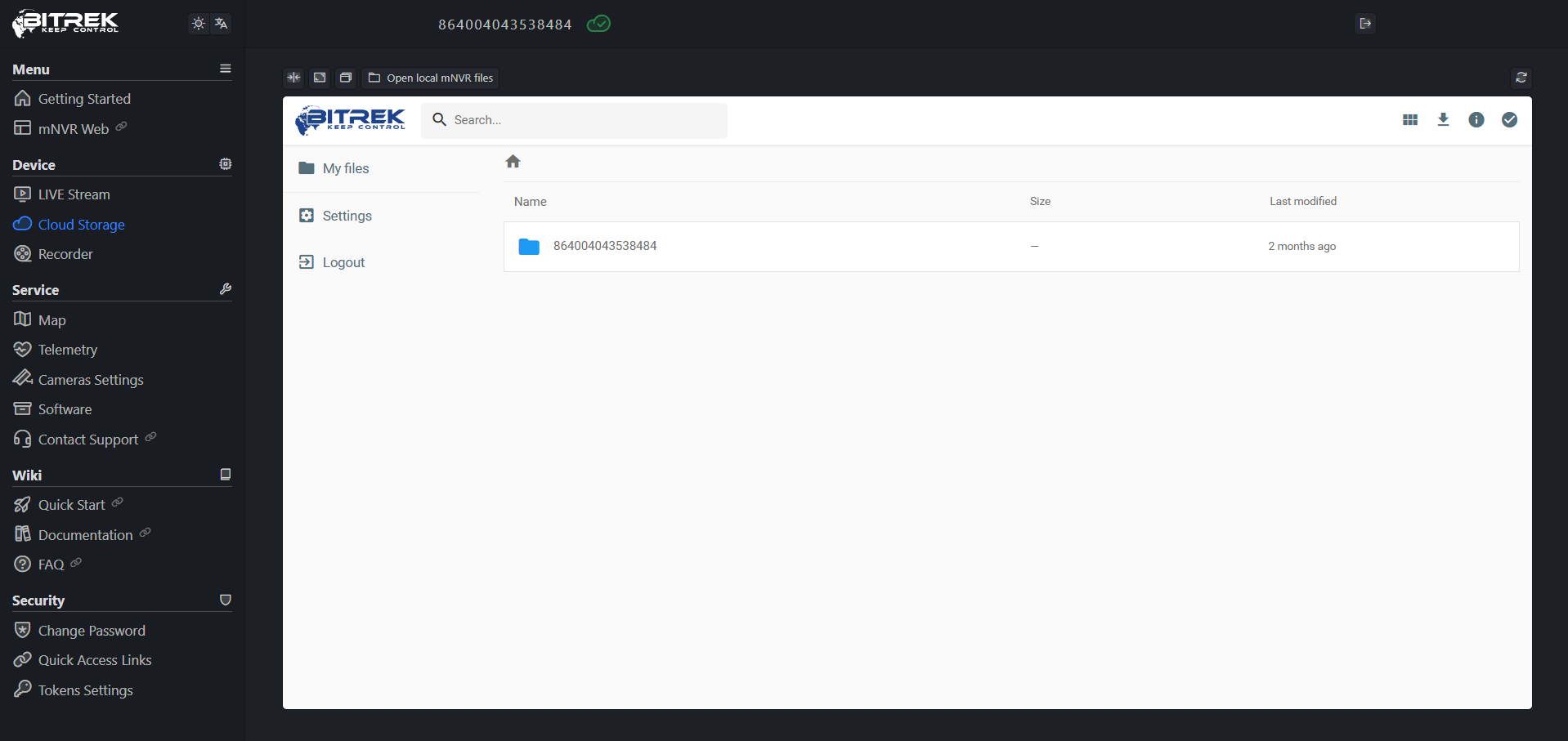
Cloud storage
In this section you have the opportunity to view the files that have been saved on your cloud storage
Telemetry
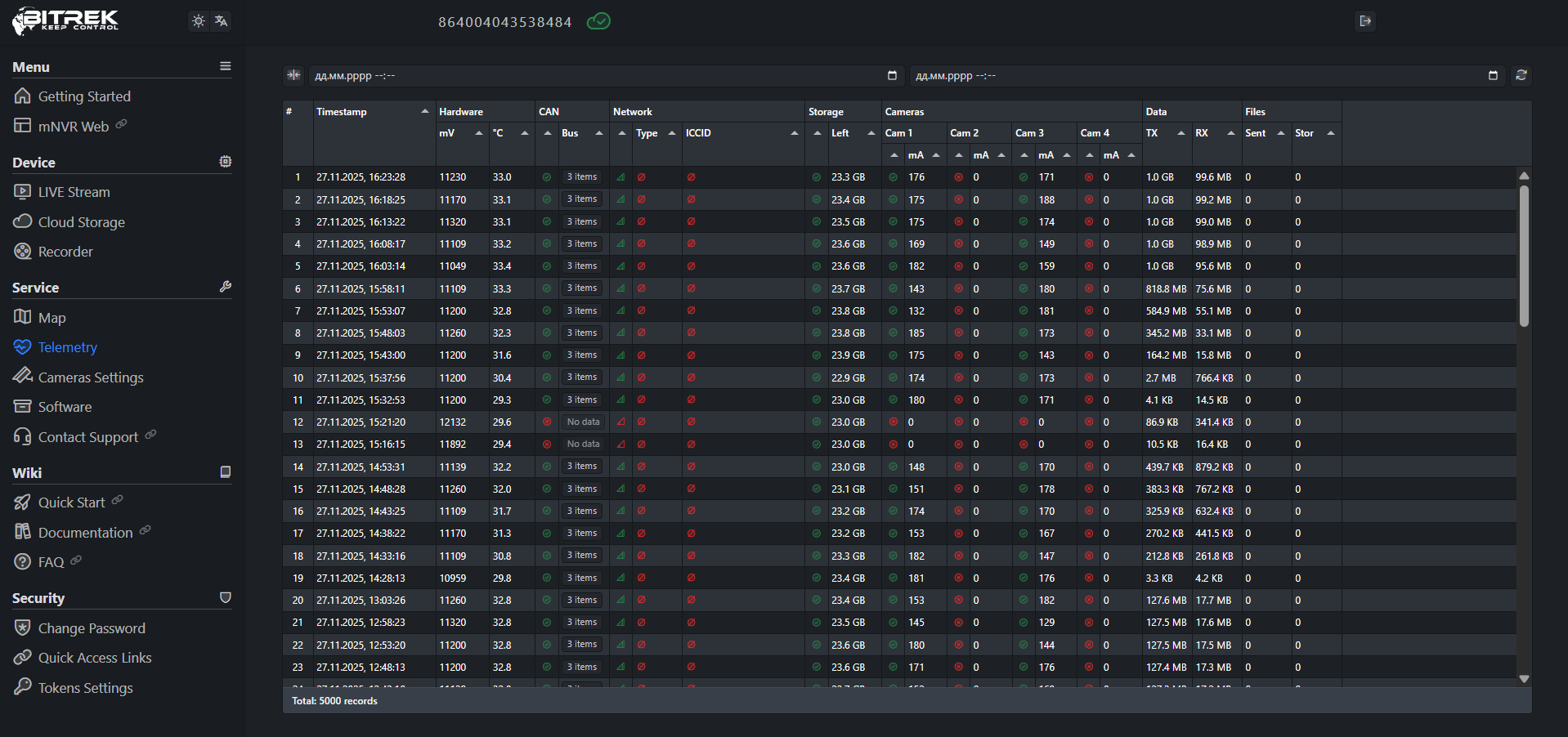
In this section you can request telemetry for your device which allows you to see parameters such as:
- Location of your device;
- Time of the last request;
- Equipment status (device voltage and temperature);
- Camera status and current in the camera;
- CAN modules status;
- ICCID of the SIM card;
- Data traffic;
- Number of files sent to the cloud storage and saved on the device memory;
- Storage status (availability of additional drives such as Micro-SD card and SSD drive and their capacity)
Software
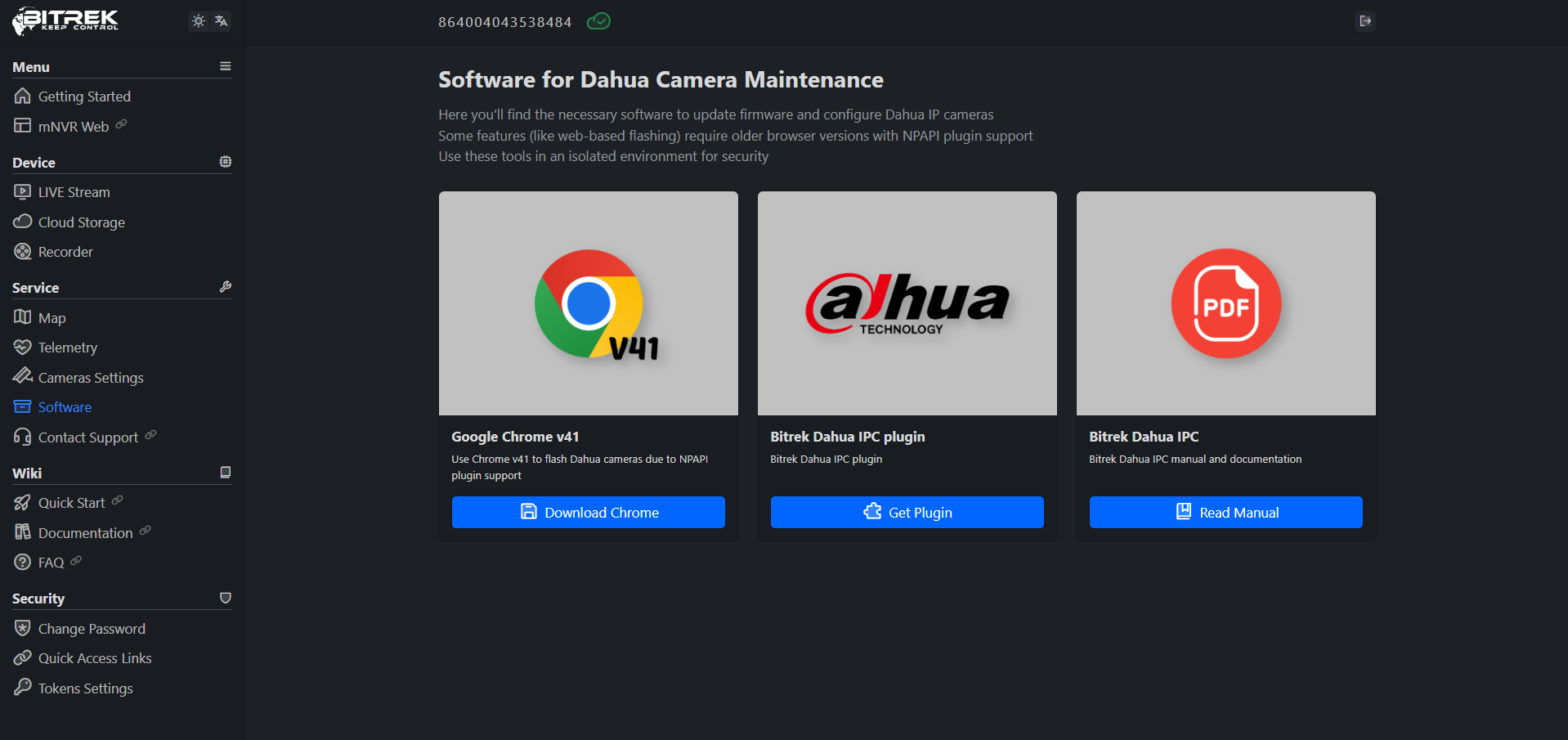
On this tab you have the opportunity to get acquainted with the software for the best operation of the device, at the moment you can download Chrome 41 version, to be able to configure the Bitrek Dahua camera and read the technical documentation for this camera
Documentation
By clicking on this tab you will be taken to the documentation page for the mNVR device and you can find answers to questions that may interest you and basic instructions for using the device